Wednesday, 28 November 2012

Microemulator - a java midlet emulator + Opera mini setup Tutorial

Micro-emulator


This is Java 2 Micro Edition (J2ME) CLDC/MIDP Emulator. Allows demonstrate MIDlet based applications in web browser applet, also can be run as standalone java application.


Tutorial :

1. Download all the needed files :
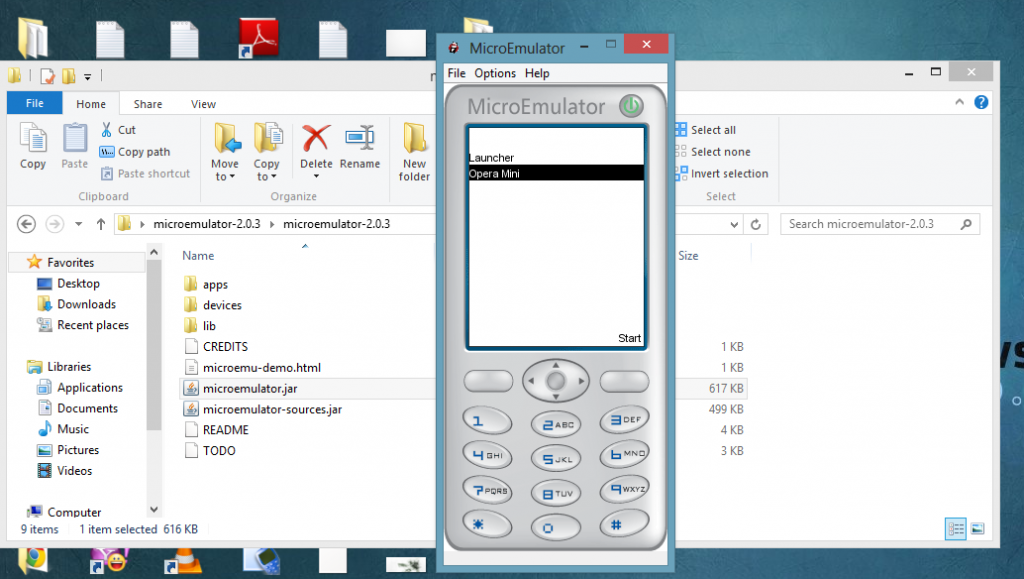

3. On Microemulator folder open microemulator.jar .


4.  Click the Options from the menu bar  and choose select device
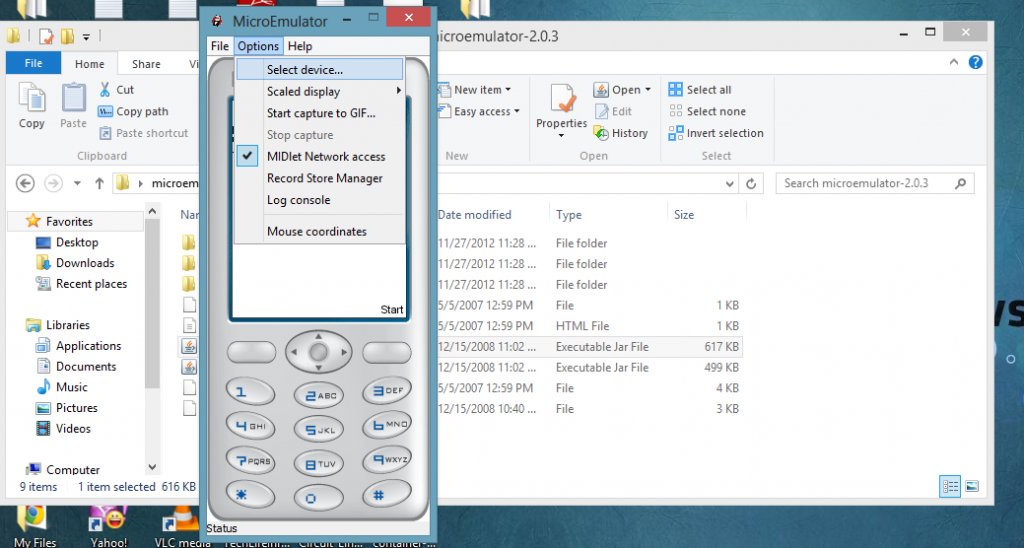


5. A new window will appear , now click the add button.
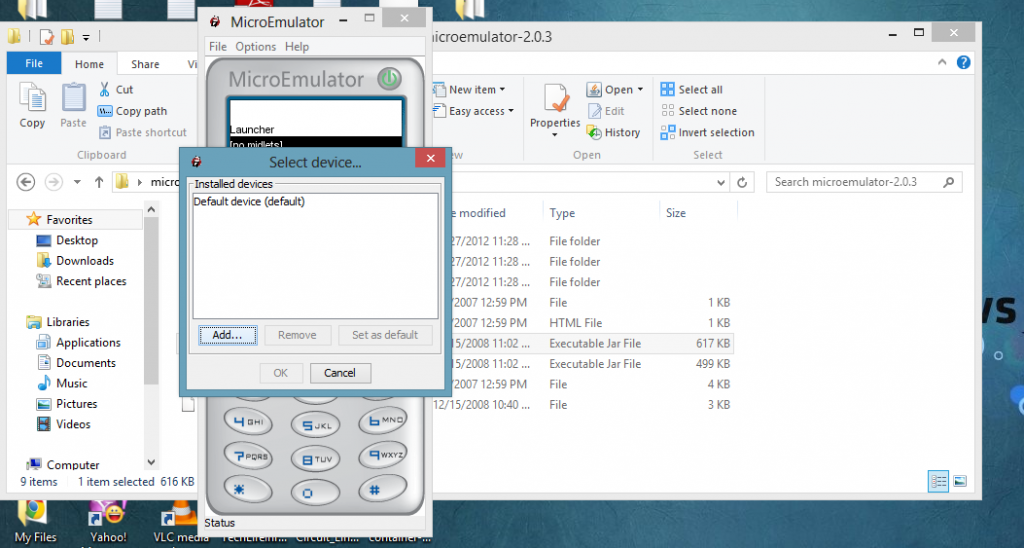


6.  Locate and Open your Resizable jar .


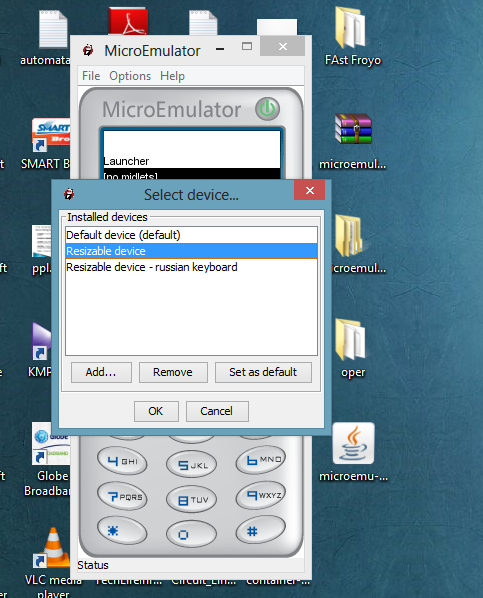
7. From the Select Device window choose Resizable Device and click Ok button


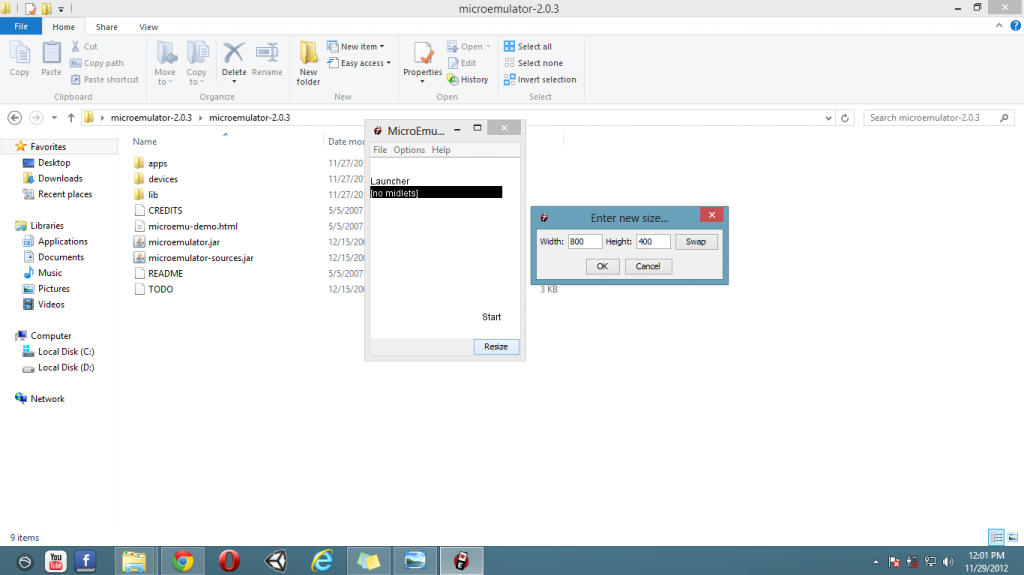
8.  The Resize button will appear at lower right corner of the window . Click Resize and configure your desired size then click Ok.


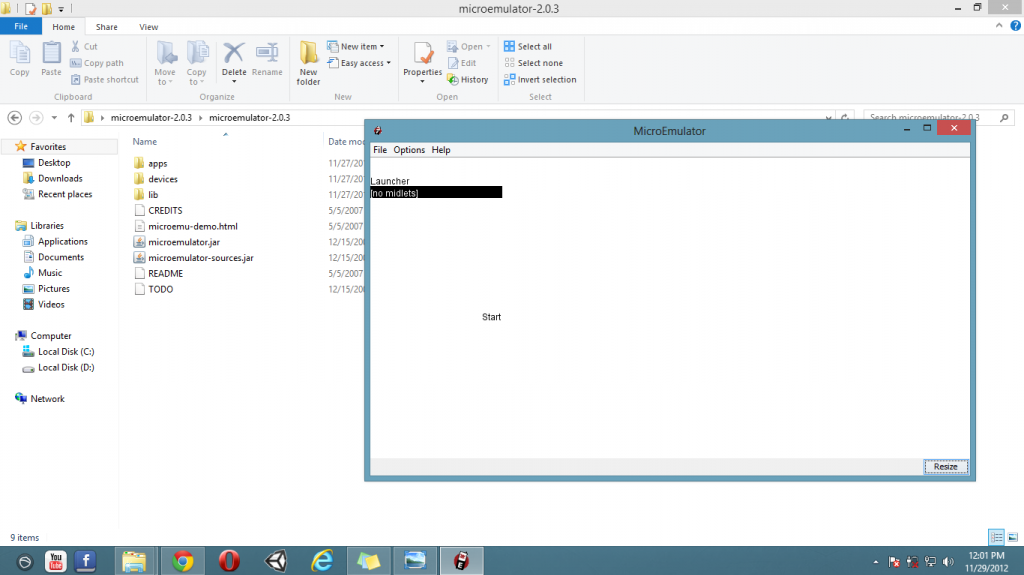
Result :


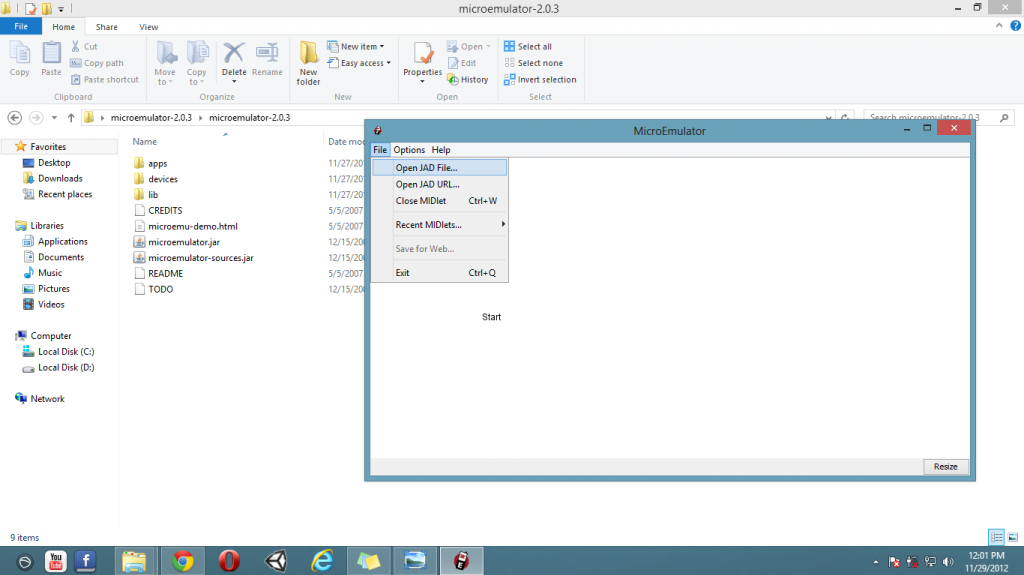
9.  Now click File from the menu bar and choose Open Jad File... 


10. Locate your opera mini jad file and click Open.
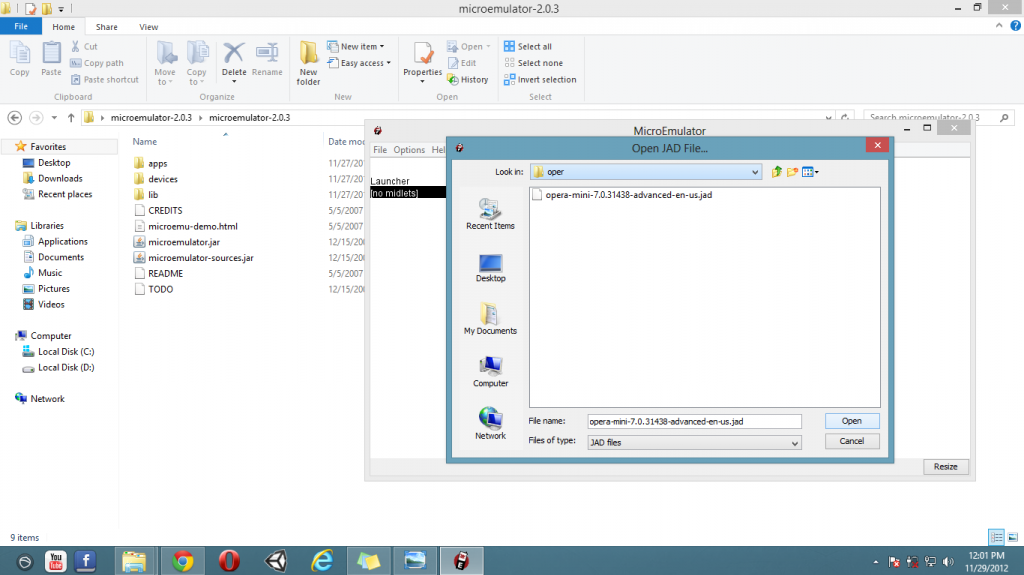


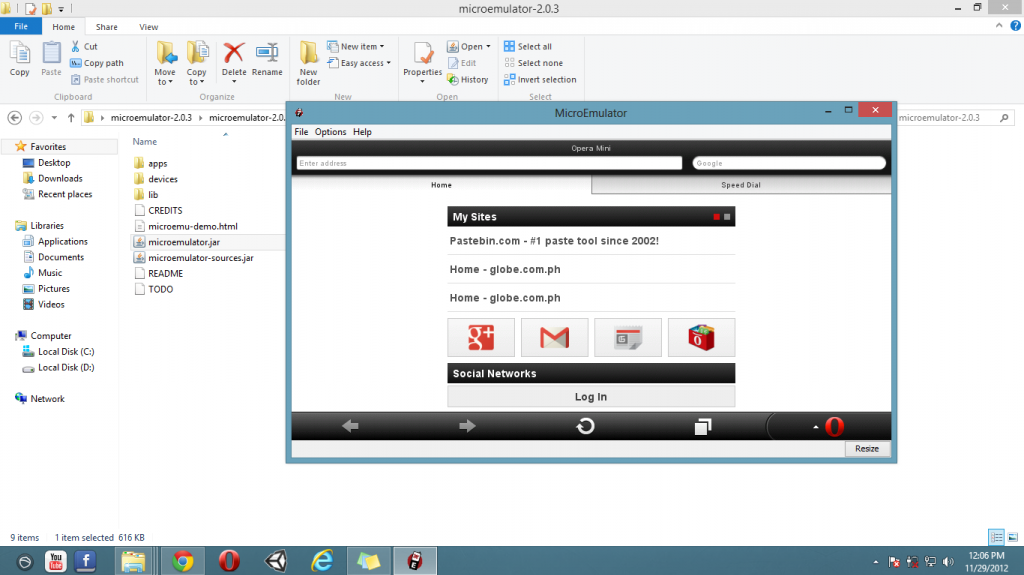
11. Now Click Start , if it doesn't work click the Opera mini instead. 


Result :


Tuesday, 27 November 2012

Mailcatch : Disposable Email (Working on Globe's site)

Mailcatch is another disposable or dummy email service like yopmail and 10minutemail .
Purpose : Very easy to use and mostly allowed for email verification on registration of sites like the GLOBE website :)


How to use Mailcatch to make dummy globe accounts :

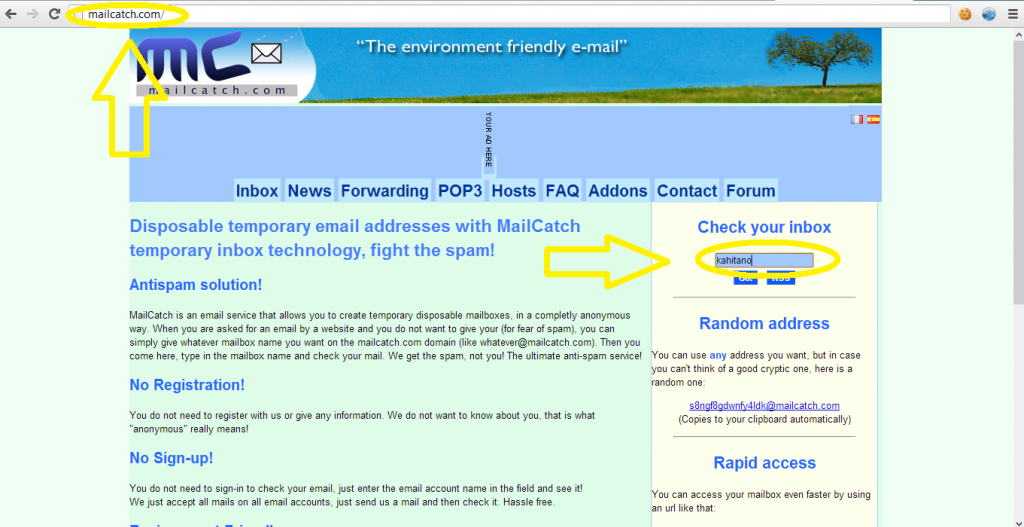
1. Go to mailcatch.com and then put your desired dummy email and password then click Go.


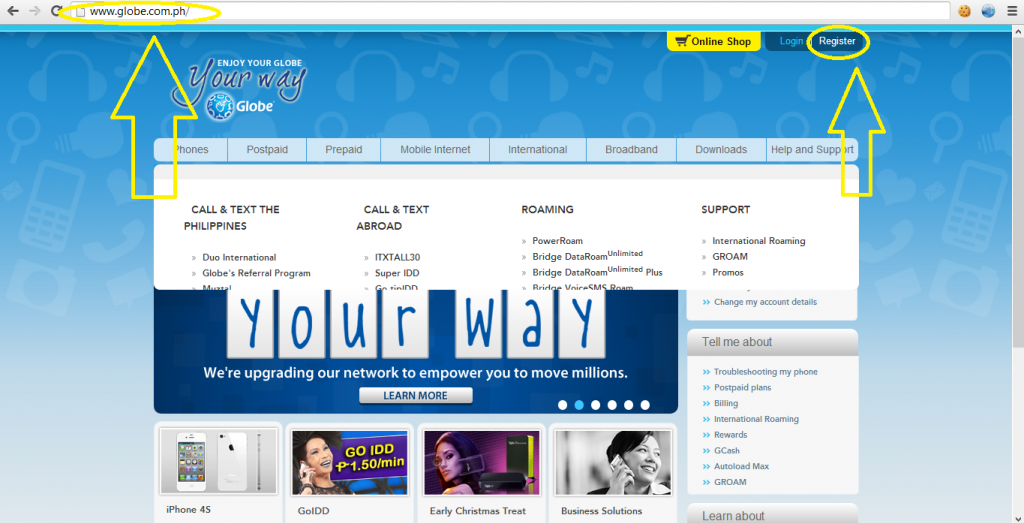
2.  Now open a new tab then go to globe.com.ph then click register.


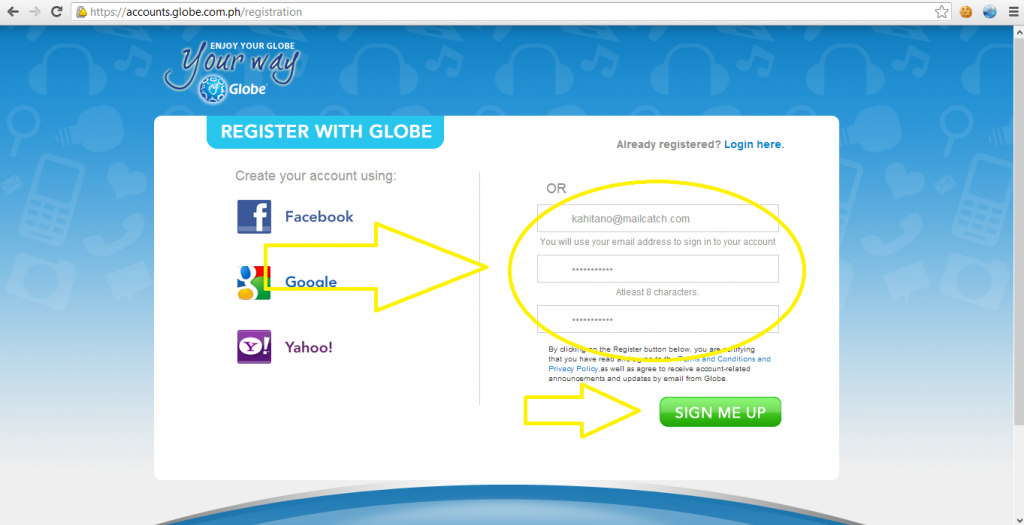
3. Put your mailcatch email and desired password.


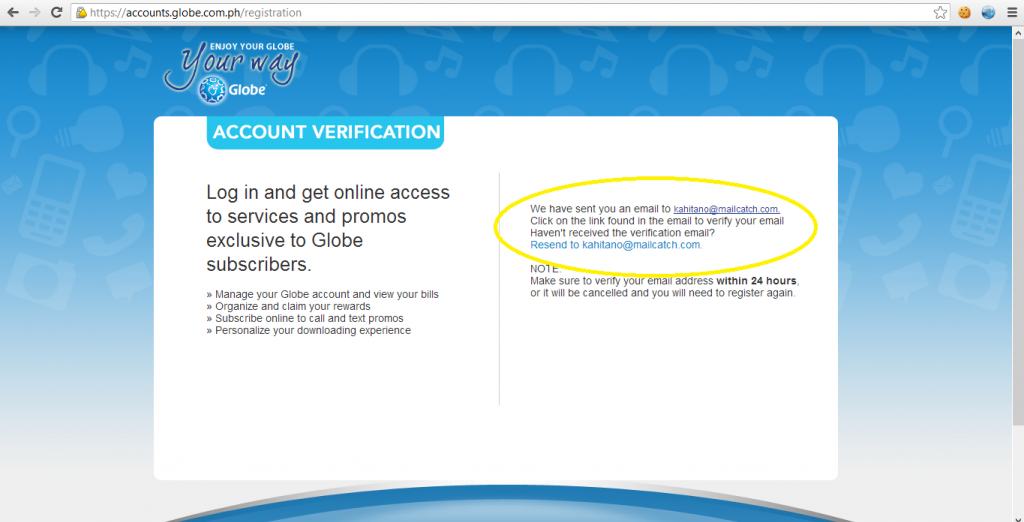
4.Click Sign up then you should be redirected on a page like the picture below


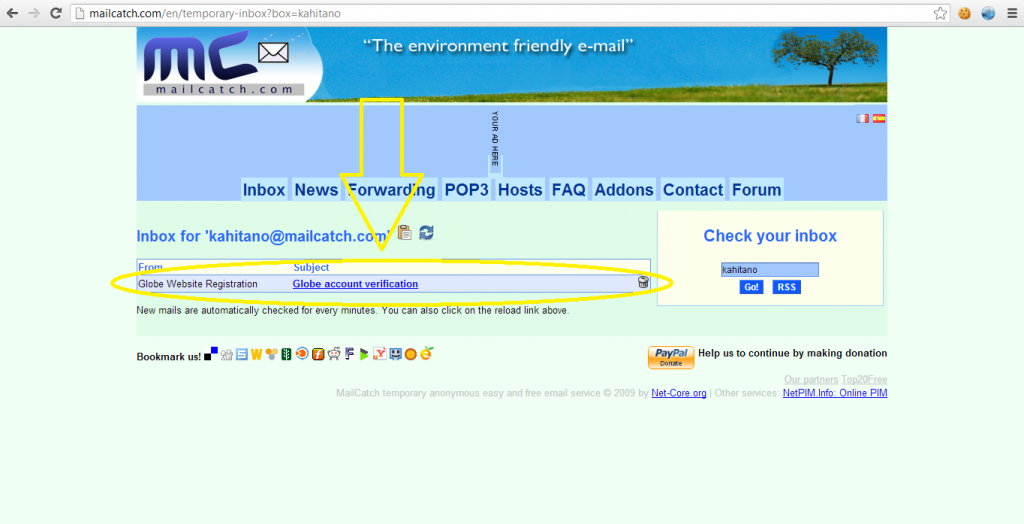
5.Open again the mailcatch tab and you should now receive the globe account verification , if not click the refresh icon .
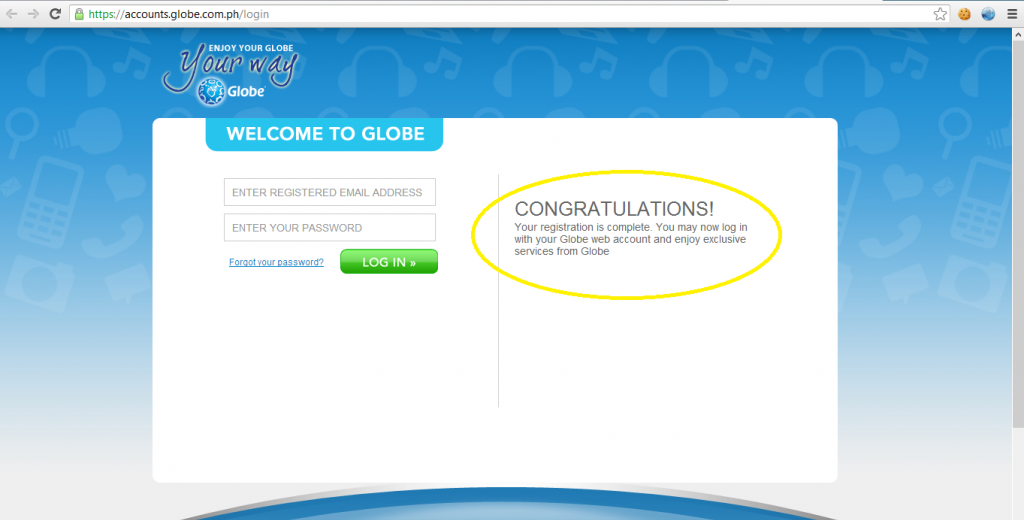
6.After clicking the verification link from globe's message you should be on like the picture below .


7. Now your account has been verify try to login using your mailcatch email and password.


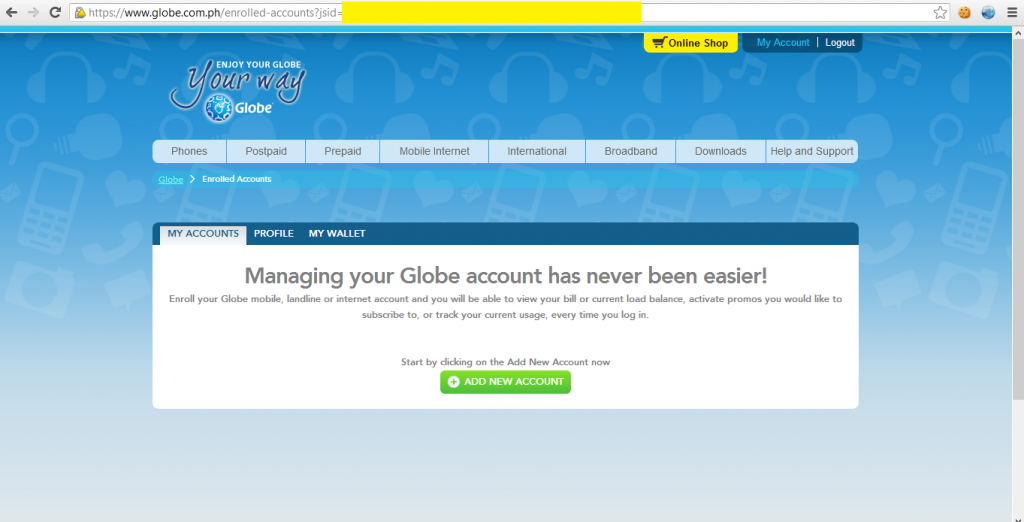
8. Logged in ...


Thursday, 22 November 2012

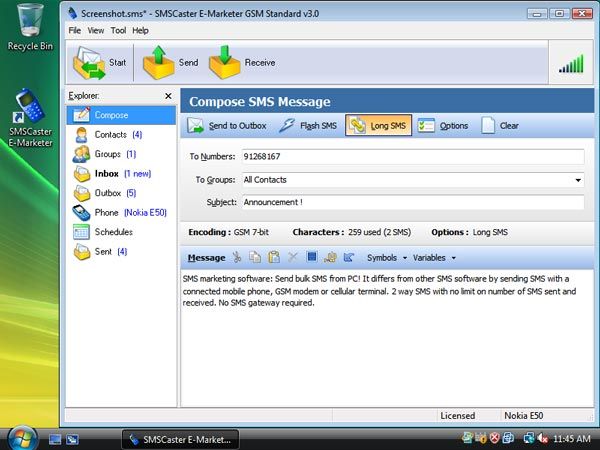
SMSCaster E-Marketer GSM Enterprise + Key


SMSCaster E-Marketer GSM Enterprise + Key 


  • “Send thousands of SMS easily from the computer”
  • “Receive incoming SMS into the computer (2-way SMS) ”
  • “No registration, no credit prepay, no SMS gateway required”
  • “Support Long SMS, Flash SMS, SMS Mail Merge”
  • “Use your existing Nokia, Sony Ericsson or Motorola mobile phone!


DOWNLOAD:

Mediafire : SMSCaster + KEY

GLOBE BUG : How to SUPERSURF999 [Effective way]


How to bug your Globe SIM to register it on SUPERSURF999 [1 month UnliSurf worth 999 pesos] for FREE!!


Things you need :

  1. Laptop or PC
  2. USB Modem[3g or 4g]
  3. Globe SIM
  4. A Stable Signal
  5. SMSCaster Installed on your PC or Laptop [SMS Software Application] 
  6. TechLife-Infinity.sms

Instructions:

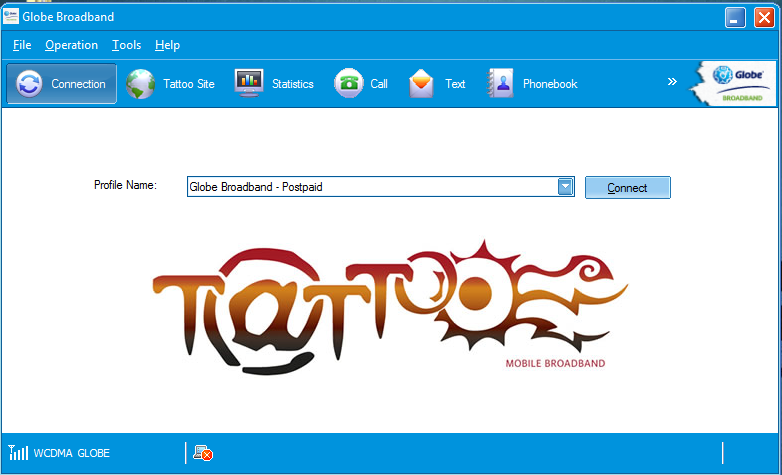
1. Open your Dashboard .


2. After Opening your Dashboard wait for the signal to appear .

3. Close your Dashboard [Not Minimize] . 

4. Click or Open the TechLife-Infinity.sms [It will automatically open the SMSCaster] .

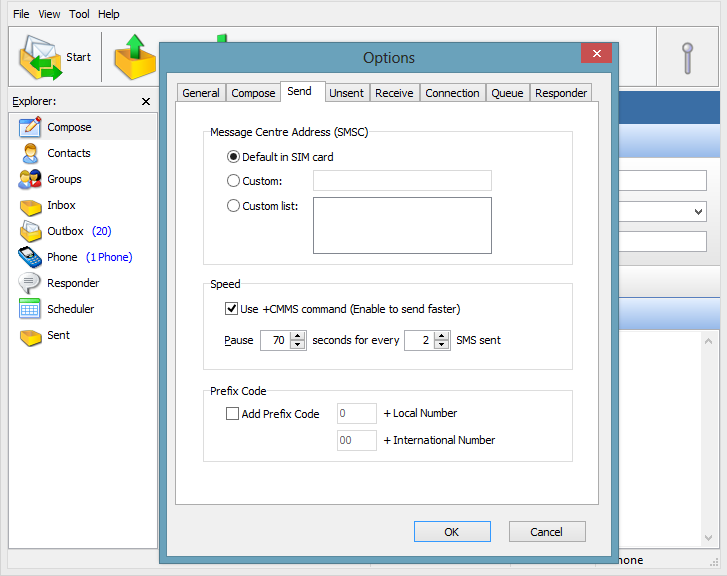
5. On SMSCaster Click Tools Then Options . Go to Send Tab and Copy the setting from the picture below then click OK.


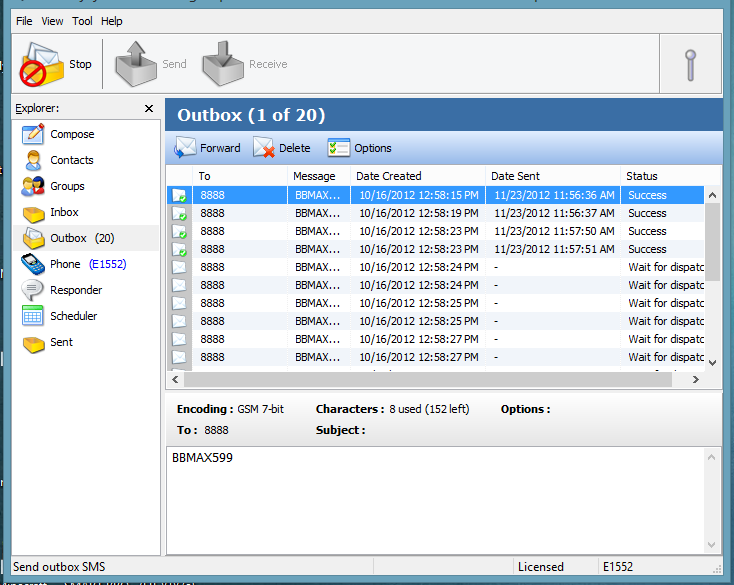
6. Now Click "Send" Icon and wait for it to finish .


7. When it's done , Close the smscaster and open your dashboard again . 

8. You will receive a bunch of 8888 messages just ignore and delete it all.

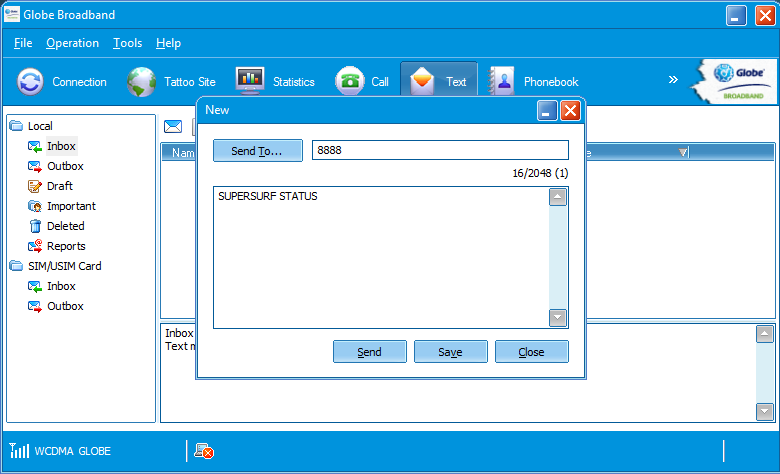
9. Create a message containing SUPERSURF STATUS then send it to 8888 


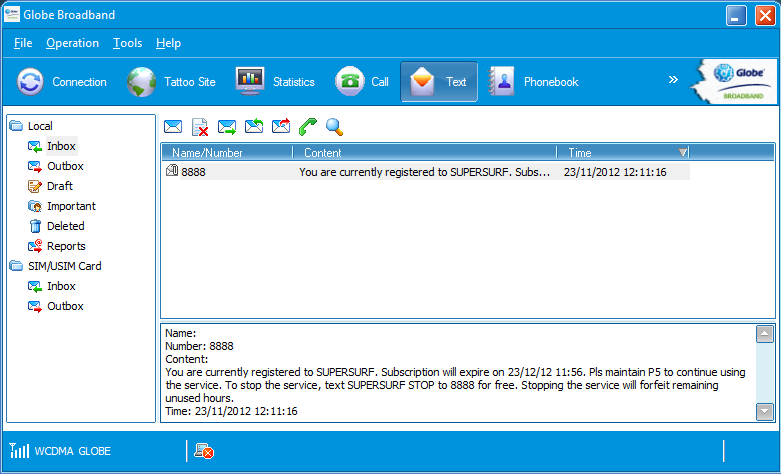
10. Wait for a reply from 8888 . You should receive a message like on the picture below .


Note : Will work 90%  if not Repeat the Steps from the top .

Downloads :

Mediafire : TechLife-Infinity.sms


TechLifeInfinity.tk- Home

Twitter Delicious Facebook Digg Stumbleupon Favorites More

 
Design by Free WordPress Themes | Bloggerized by Lasantha - Premium Blogger Themes | Affiliate Network Reviews