


 19:55
19:55
 Zypher

Micro-emulator

This is Java 2 Micro Edition (J2ME) CLDC/MIDP Emulator. Allows demonstrate MIDlet based applications in web browser applet, also can be run as standalone java application.
Tutorial :
1. Download all the needed files :
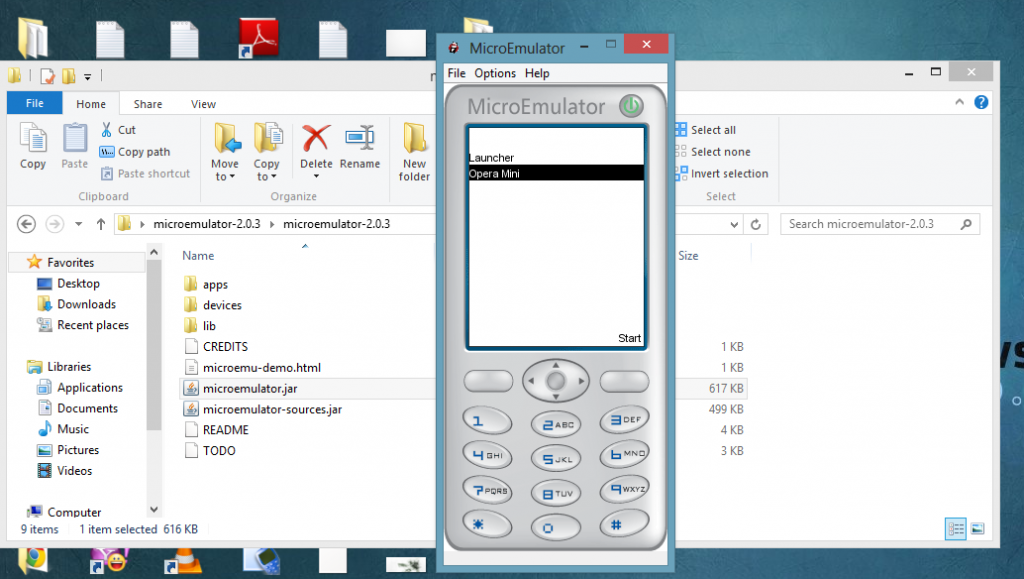
4. Click the Options from the menu bar and choose select device
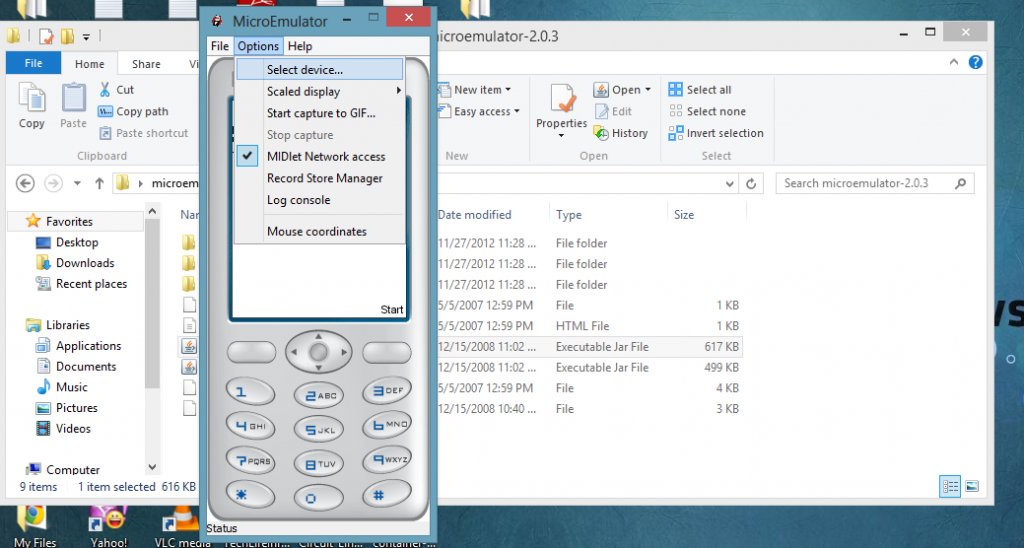
5. A new window will appear , now click the add button.
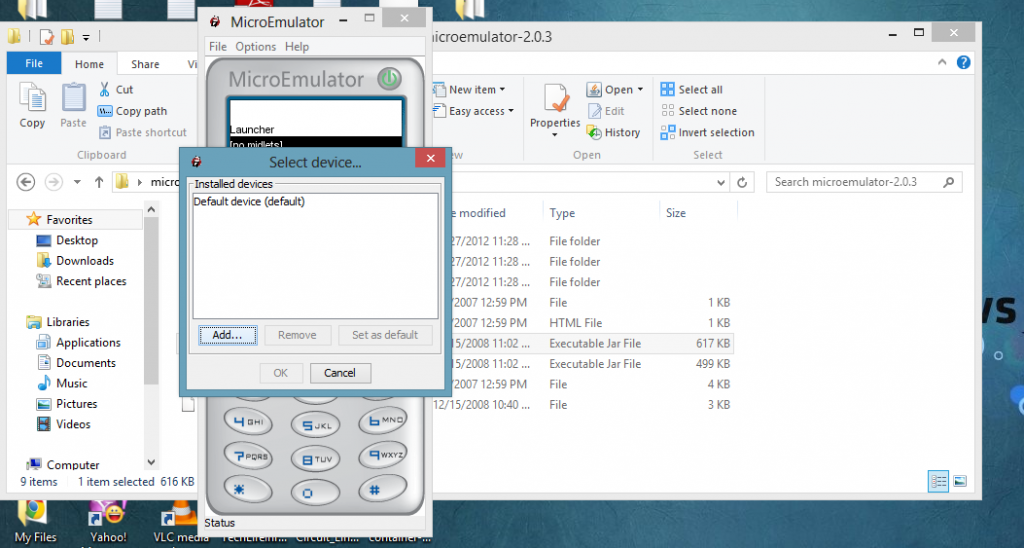
6. Locate and Open your Resizable jar .

7. From the Select Device window choose Resizable Device and click Ok button
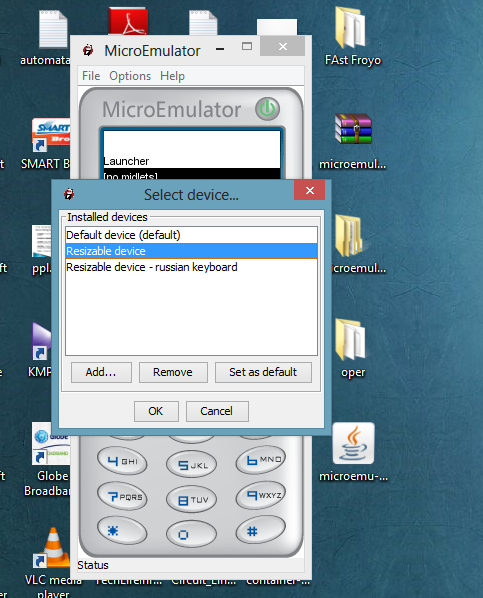
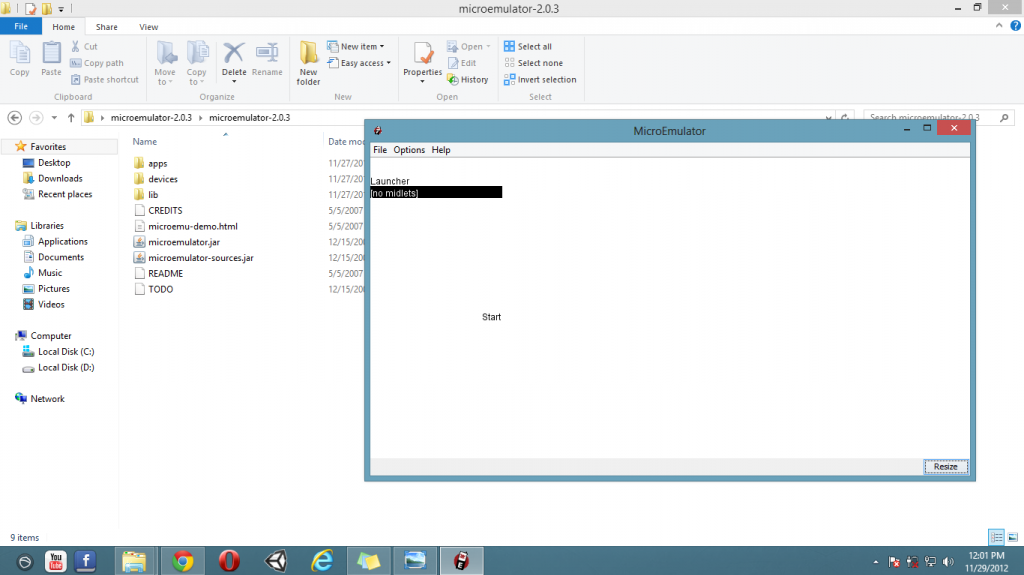
8. The Resize button will appear at lower right corner of the window . Click Resize and configure your desired size then click Ok.
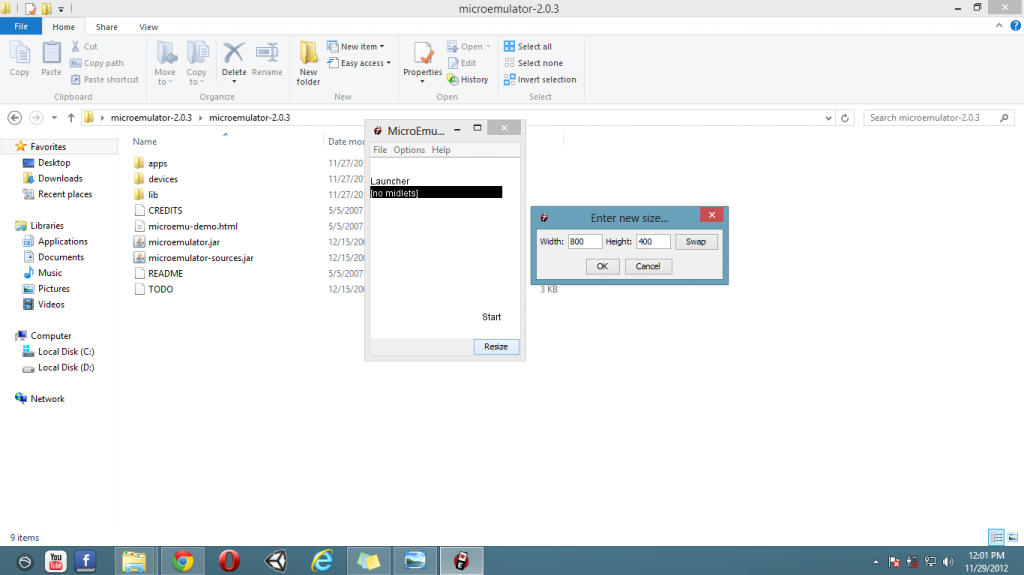
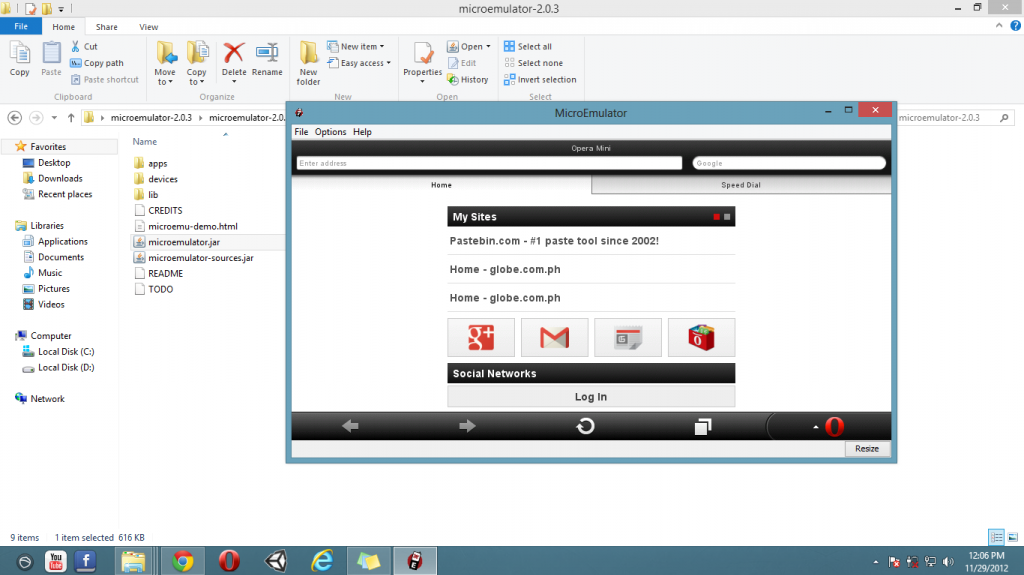
Result :
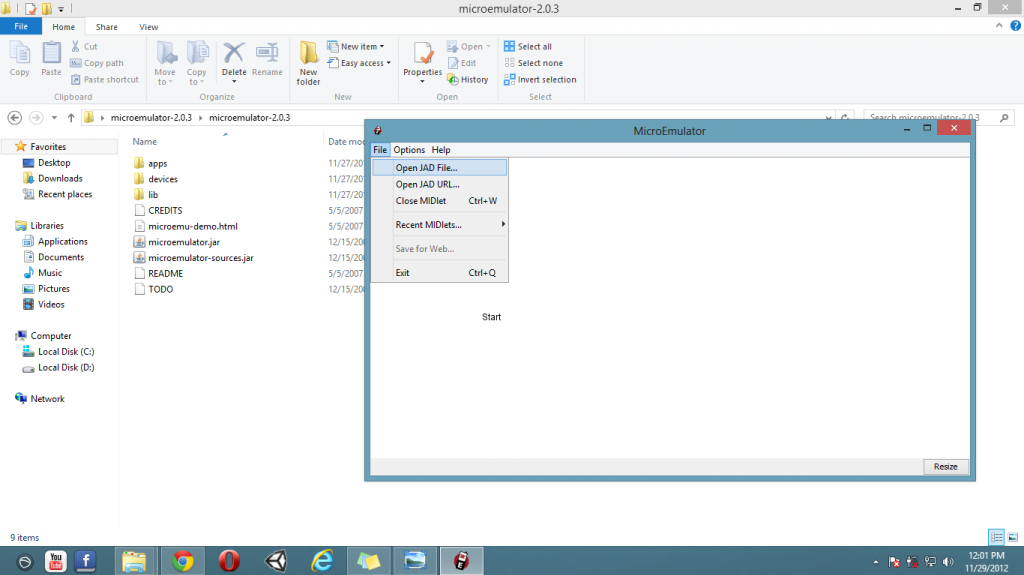
9. Now click File from the menu bar and choose Open Jad File...
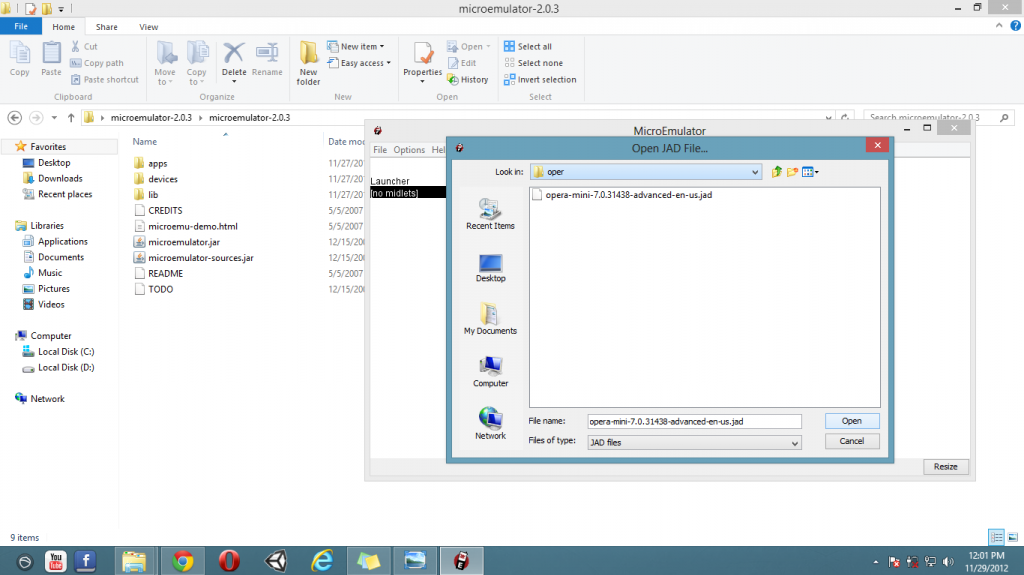
10. Locate your opera mini jad file and click Open.
11. Now Click Start , if it doesn't work click the Opera mini instead.

Result :
 Posted in:


0 comments:
Post a Comment